How to Create an Engineering Dashboard from Scratch Using Keypup

Learn how to create a customized engineering dashboard from scratch using Keypup's platform. Highlight the metrics that matter most to your team and stakeholders, and drive your team toward success.

Celine Nabais
Celine Nabais LinkedIn
• 2 min read
How to Create an Engineering Dashboard from Scratch Using Keypup

As a tech leader, you understand the importance of having a clear and effective software data story to communicate with your team and stakeholders. However, not all metrics are relevant for every audience, and you need to be able to adapt your metrics and reports to fit your specific needs. That's where Keypup's engineering dashboards feature comes in handy. With this powerful tool, you can create a customized dashboard that meets the unique needs of your team and stakeholders from scratch or from a template.

Here are the steps to create an engineering dashboard from scratch using Keypup:

‍

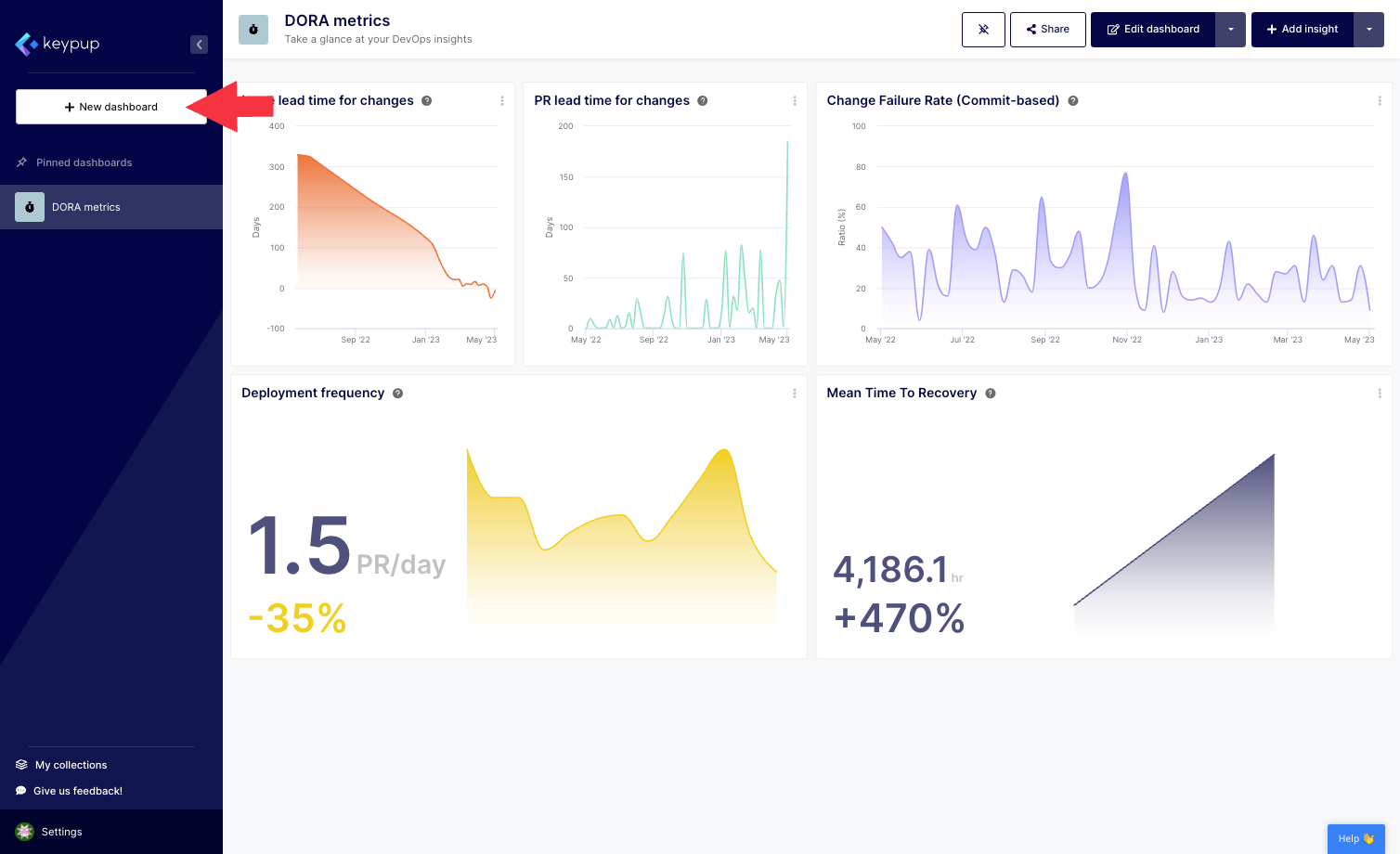
1. First, click on the "New dashboard" button located at the top of the left navigation panel.
Image

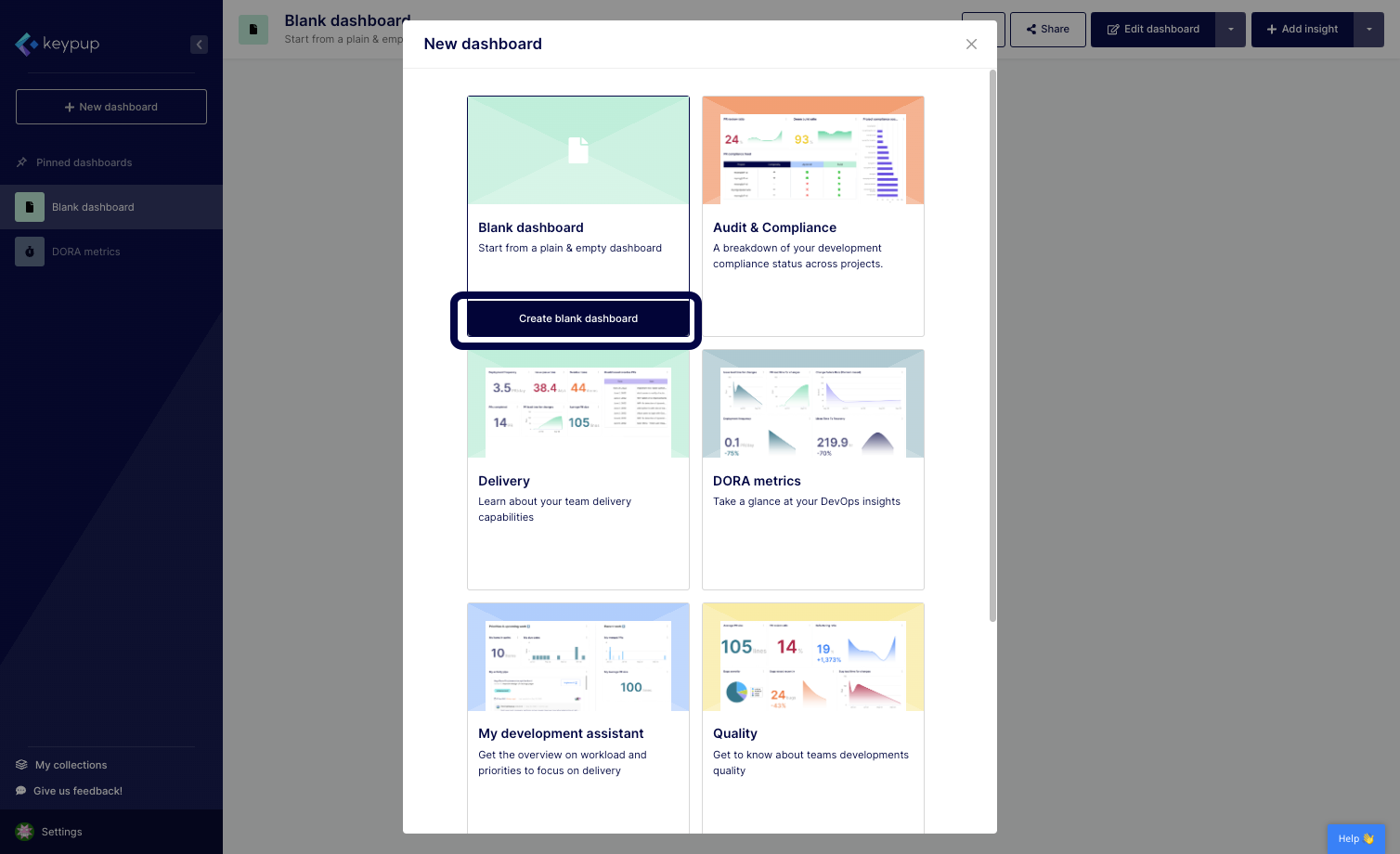
2. Select the blank dashboard option by clicking on the "Create blank dashboard" button below your choice.
Image

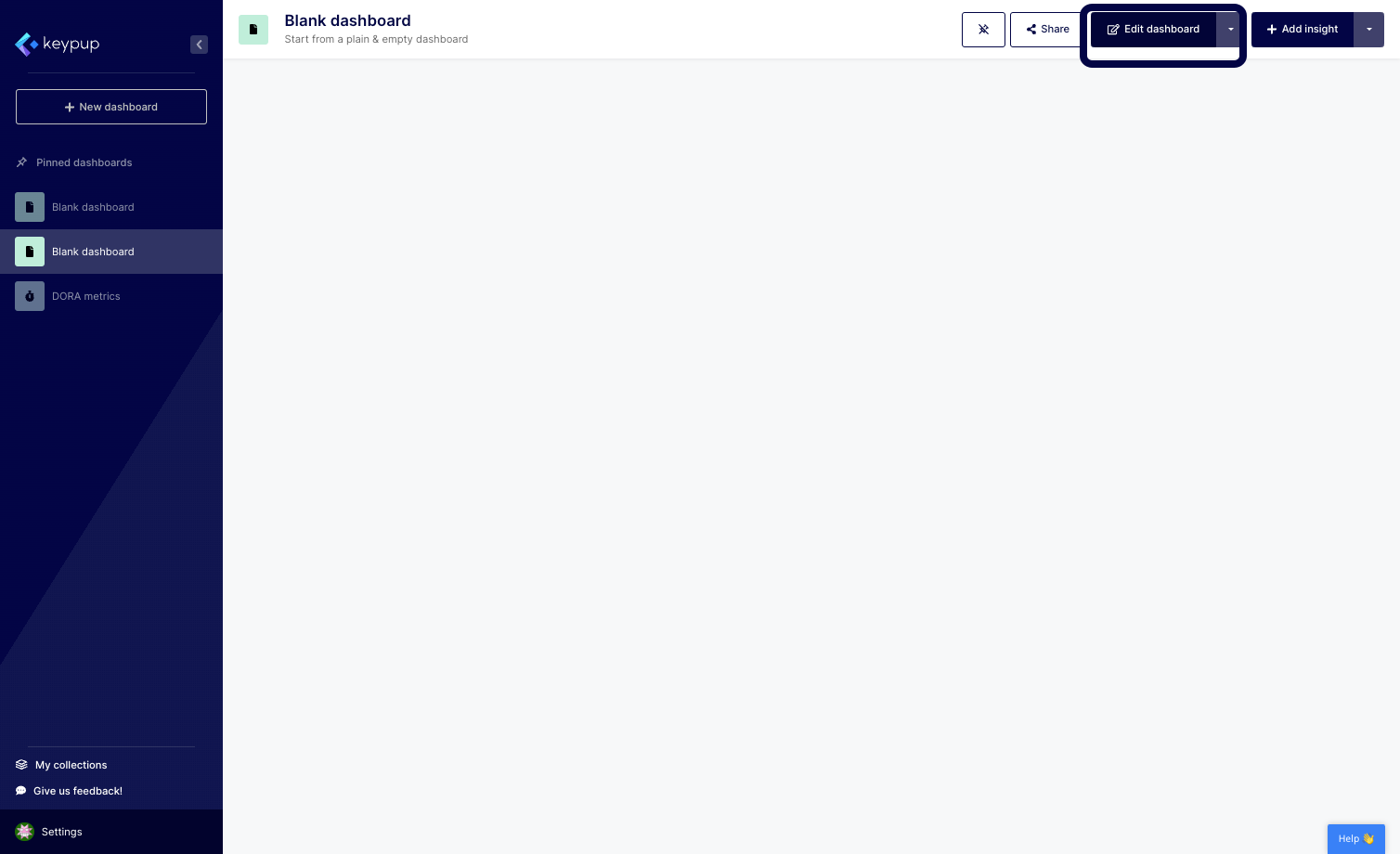
3. Your blank dashboard is populated. Click on the "Edit dashboard" button located at the top right of your screen.
Image

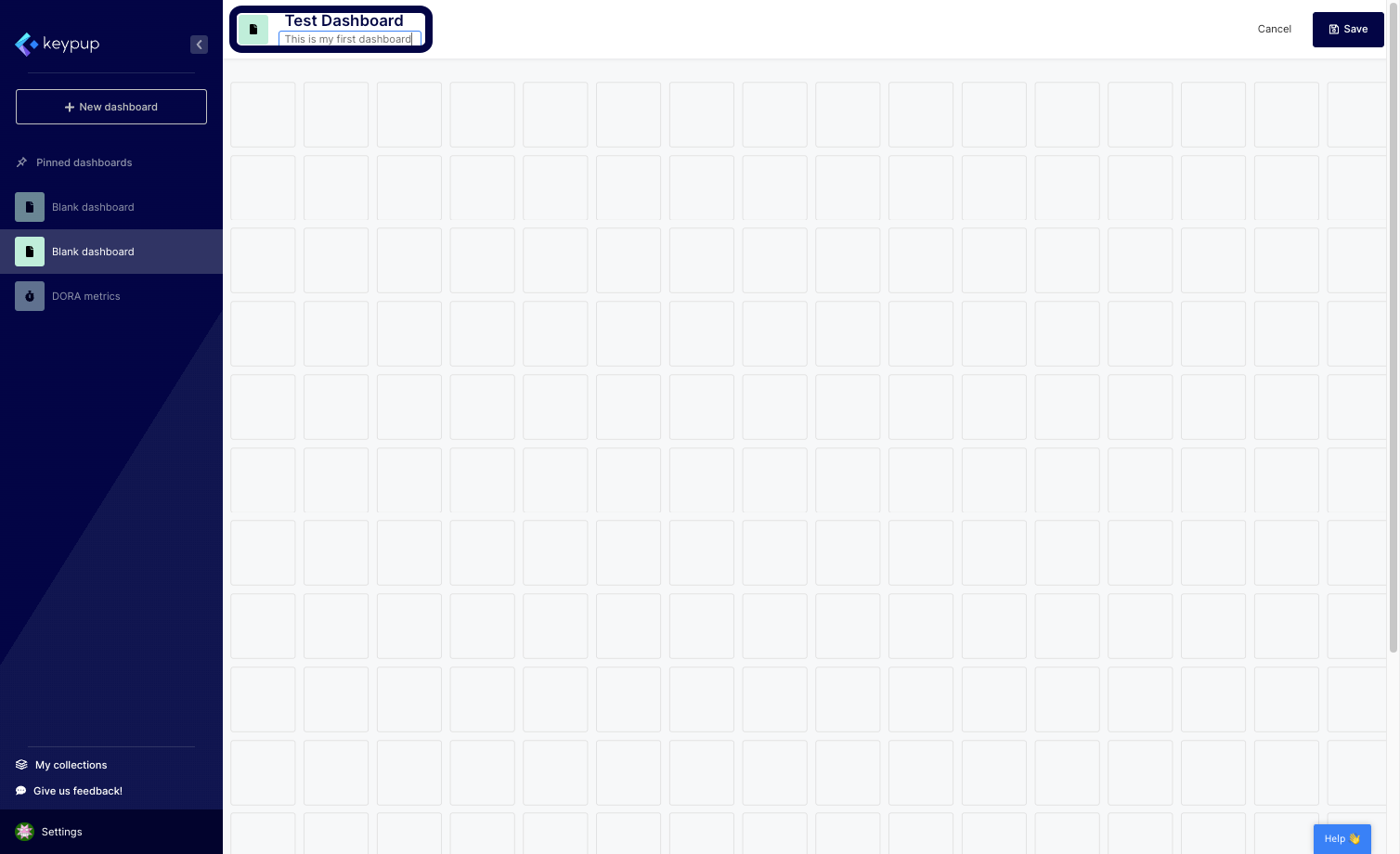
4. From here, you can edit the dashboard title, description, and image.
Image

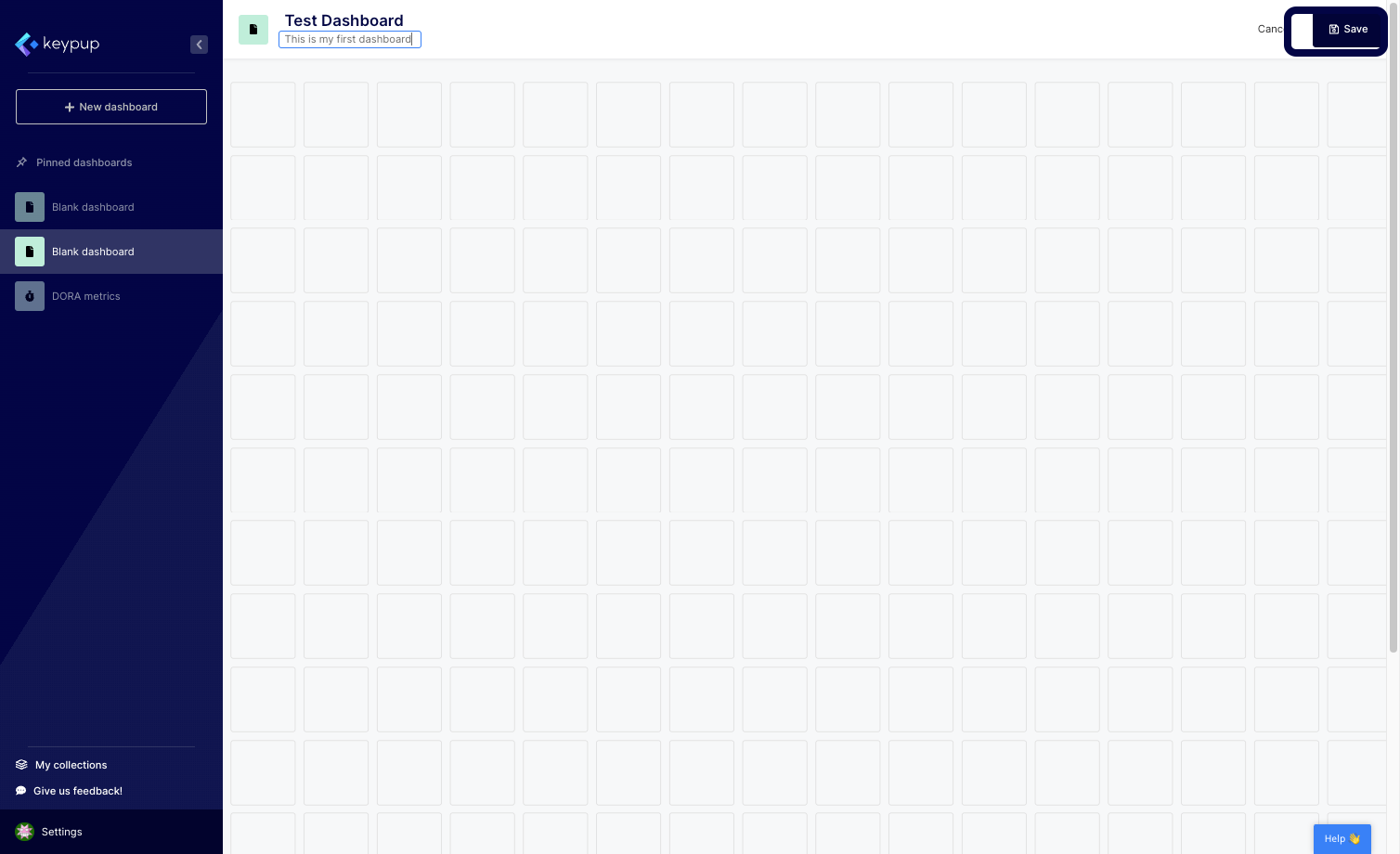
5. Once done, click on the "Save" button located at the top right of your screen.
Image

Now, your engineering dashboard is ready to be fully customized using metrics, reports, text widgets, and more.

With Keypup's engineering dashboard feature, you have the flexibility to create a dashboard that fits your unique needs. Whether you need to provide clear goals or OKRs to your team members or communicate during your board meetings, you can create a customized dashboard that highlights the metrics that matter most to your audience.

In conclusion, creating an engineering dashboard from scratch using Keypup is a simple and powerful way to communicate your software data story with your team and stakeholders. By customizing your dashboard to fit your unique needs, you can ensure that you are highlighting the metrics that matter most and driving your team towards success. Try Keypup's platform today to see how you can create a customized engineering dashboard that fits your unique needs.


Ready to Transform Your Analytics?

Join teams already using AI to make data-driven decisions faster than ever.

Most Recent Articles

6 Best Engineering Metrics Software for Fast Setup (2026)

6 Best Engineering Metrics Software for Fast Setup (2026)

Compare the 6 best engineering metrics software for fast setup in 2026 — Keypup, LinearB, Swarmia, Jellyfish, Faros and Harness SEI — across setup speed, integration overhead, dashboard flexibility, delivery metrics coverage, AI capabilities and data security. Find out which platform gets a mid-market engineering team from connecting Git and Jira to actionable delivery metrics in minutes, not months.

Thomas Williams
Release Notes Fiction: Why Your Jira Fix Version Doesn't Match What Actually Shipped

Release Notes Fiction: Why Your Jira Fix Version Doesn't Match What Actually Shipped

Your release notes list 9,860 changes. Only 71% had merged code by the release date, and a quarter of the merged code is listed nowhere. Learn what engineering leaders on Reddit say about Jira Fix Versions, release scope and untracked changes at enterprise scale, and how Keypup MCP reconciles each version's scope with linked, merged pull requests.

Arnaud Lachaume
The Bug SLA Mirage: Why Priority Fix Targets Are Missed and Nobody Knows

The Bug SLA Mirage: Why Priority Fix Targets Are Missed and Nobody Knows

Your bug SLA report says 91%. Your customers experienced 65%. Learn what engineering leaders on Reddit say about P1 fix-time targets, SLA clocks that start late and bugs closed to stop the timer at enterprise scale, and how Keypup MCP measures real SLA attainment by priority and team from Jira workflow history and linked pull requests.

Thomas Williams