MCP Server at Parity with the App + New Formula Operators 🤖🛠️
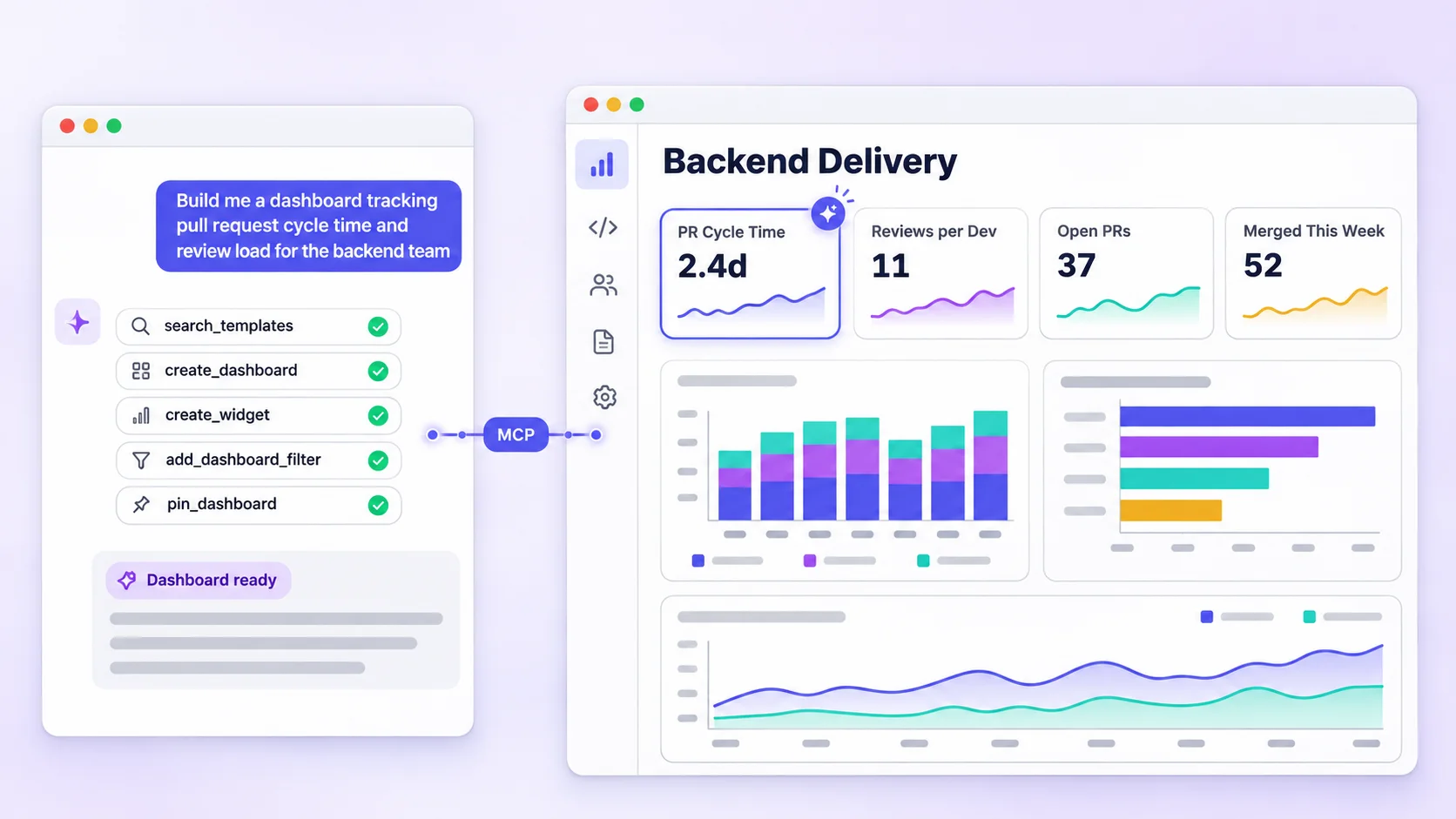
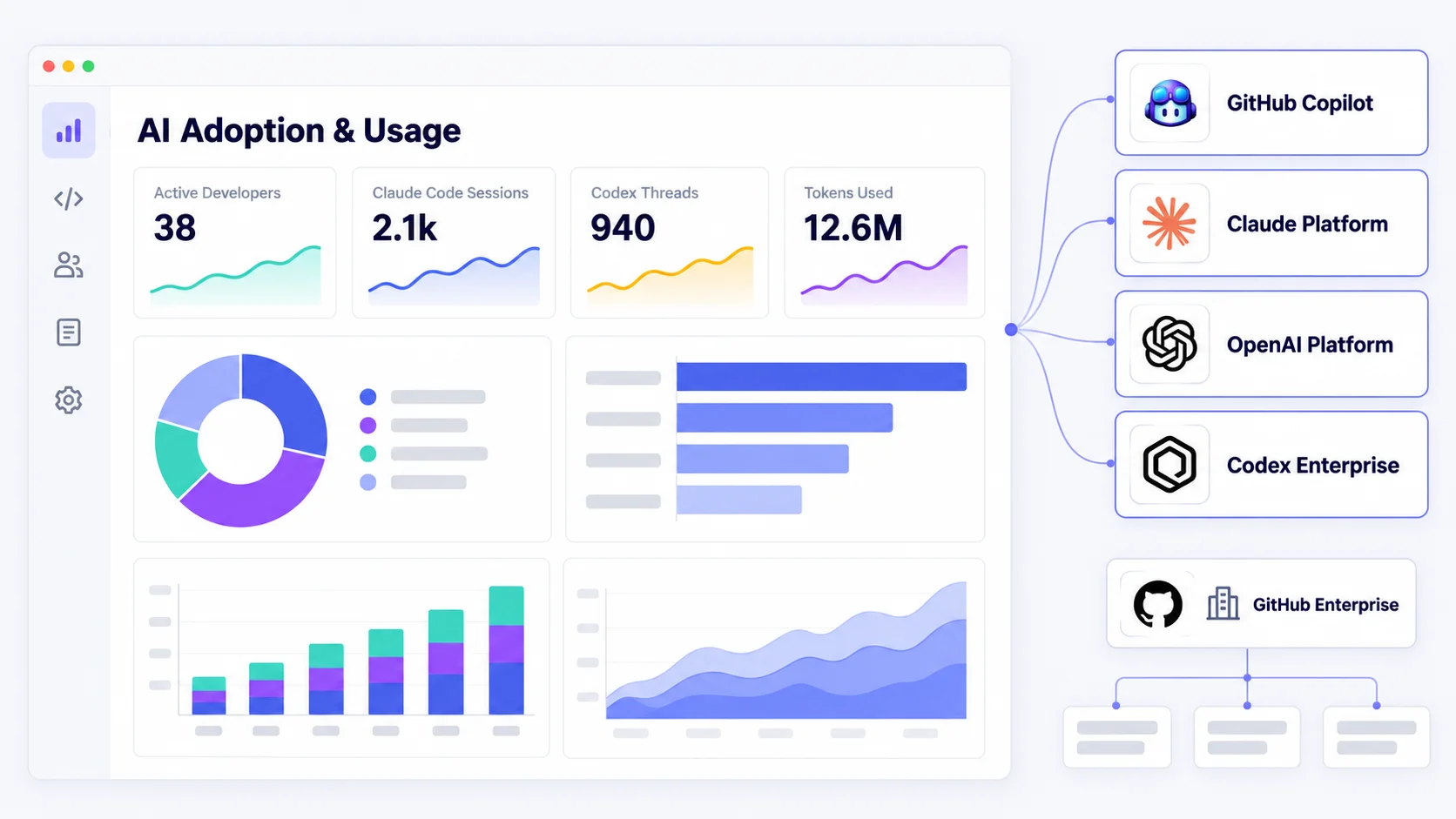
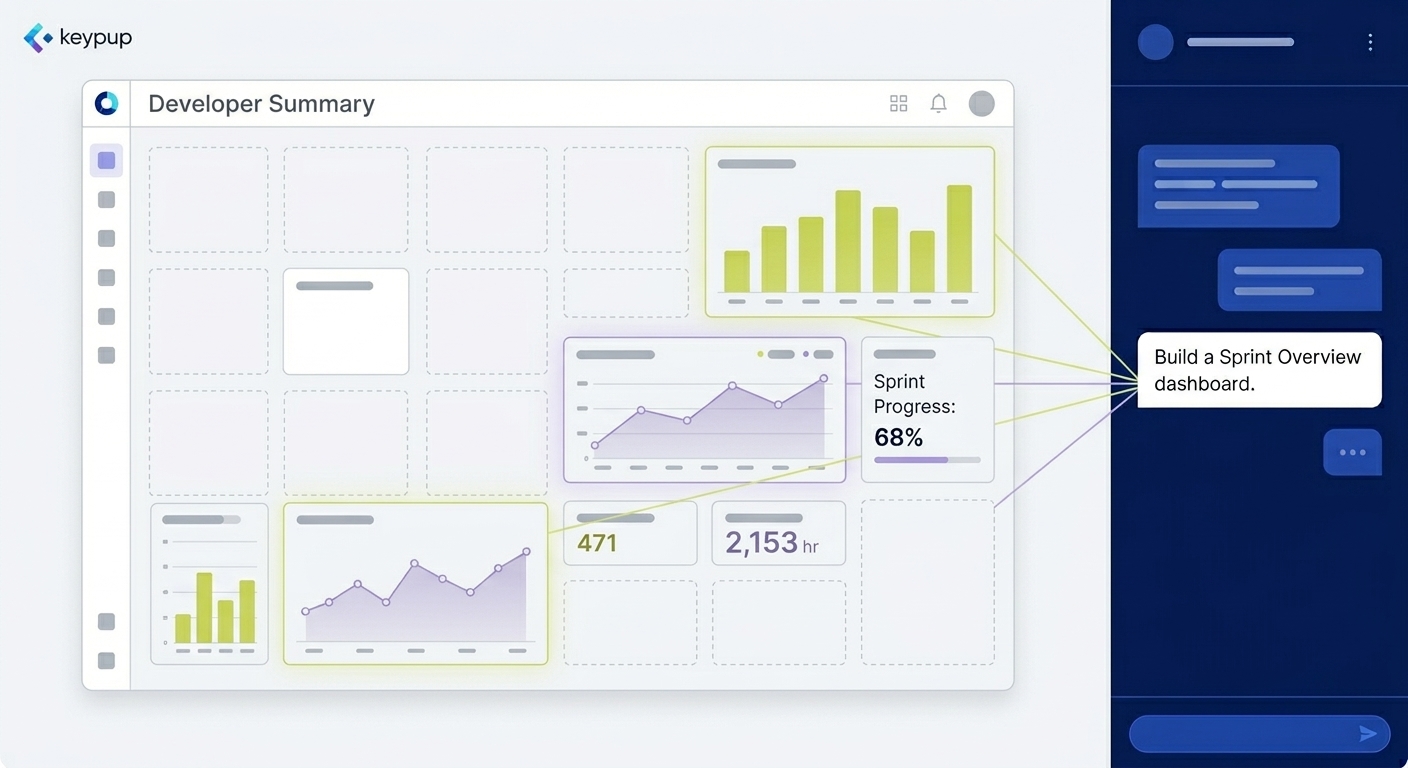
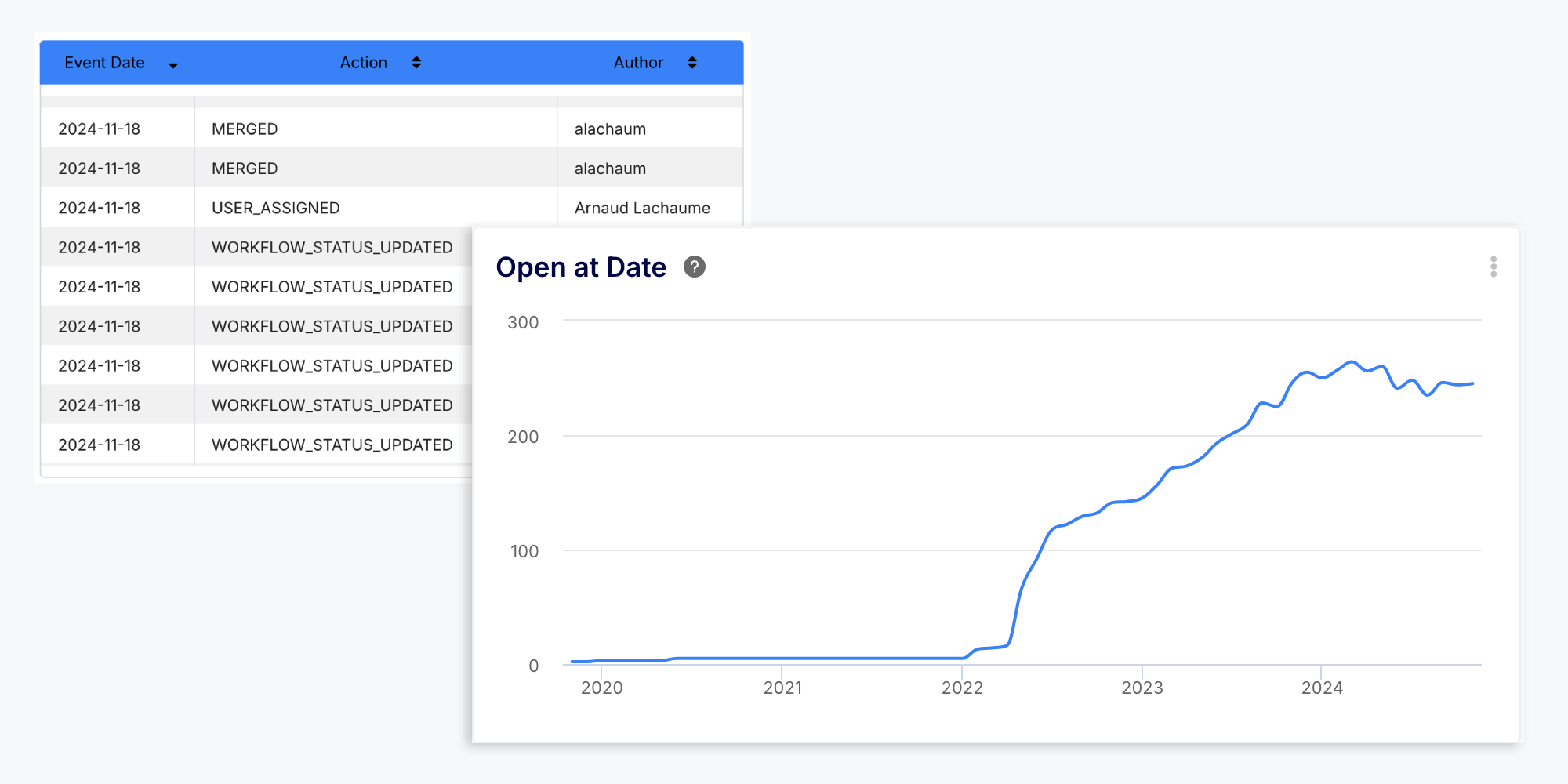
We are thrilled to announce that the Keypup MCP server can now do everything you do in the app: find your dashboards and insights, run the queries behind them, and create, edit, share and arrange them, with your own permissions. Your AI assistant can now build a complete dashboard from a single request.
Alongside this, the filter operators of the insight designer are now formula operators you can use anywhere in a query, the queries behind any insight can be retrieved through the API and the MCP server, and insights now explain clearly what went wrong when a query fails.
MCP Server: Everything You Do in the App, From Your AI Assistant
When we launched the MCP server, it could query your datasets, but it knew nothing about what your team had built in Keypup. To explain an insight, you had to describe it, and your AI assistant rebuilt a query that might not be the one the insight runs. To change a dashboard, you had to leave the conversation and open the app.
The MCP server now reaches parity with the app. Your AI assistant acts as you, with your permissions, on the records you can see, and nothing more:
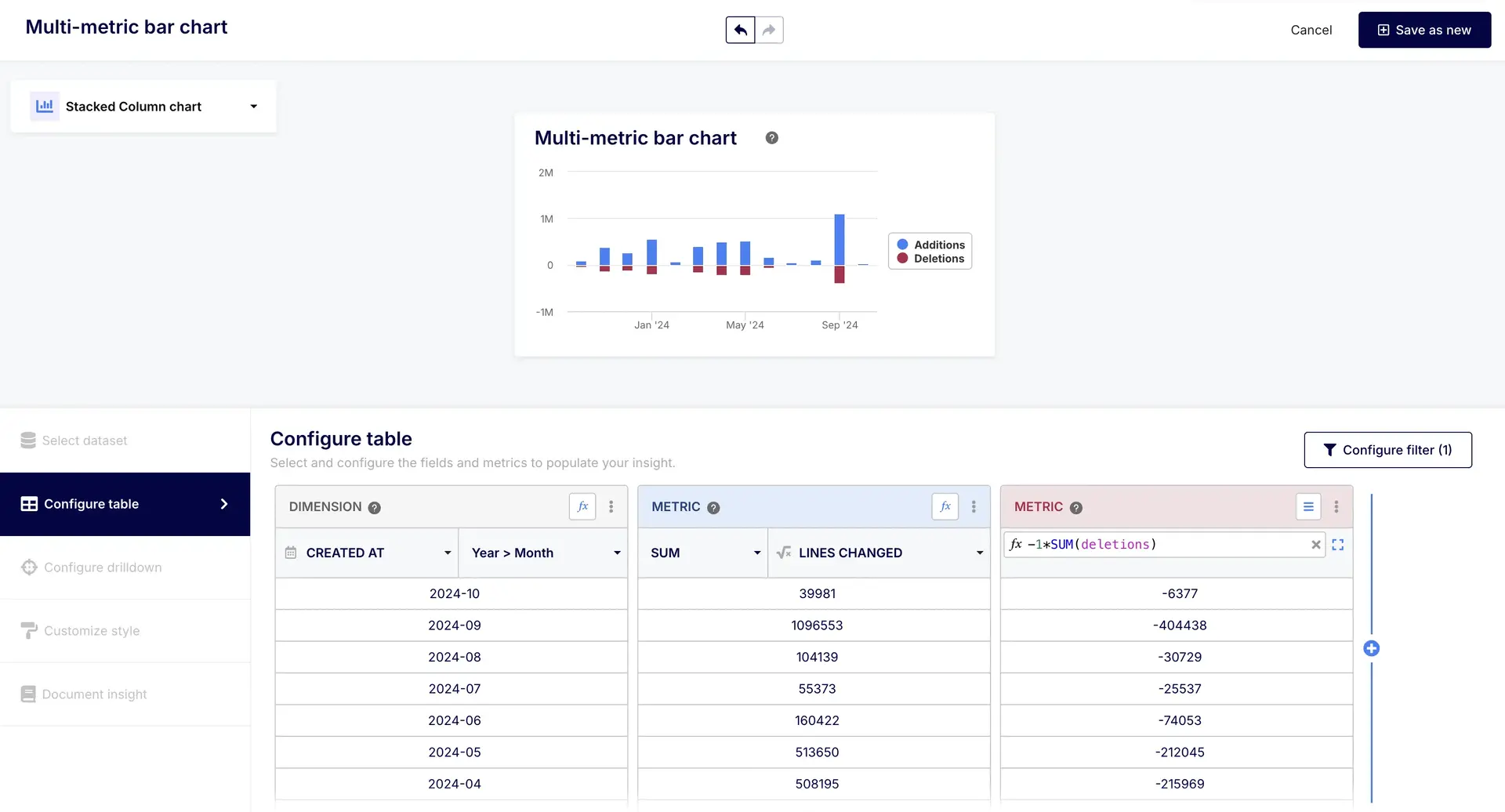
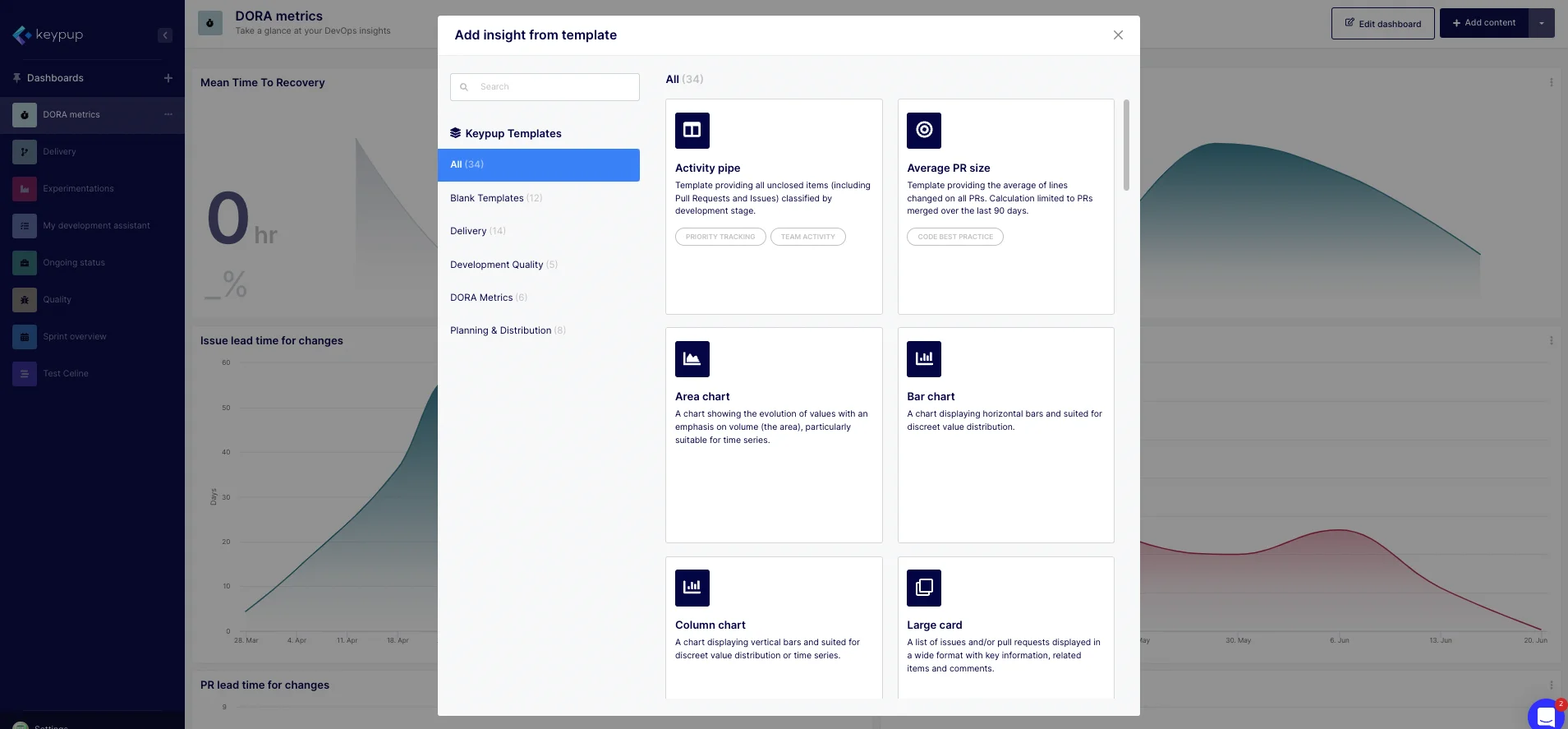
- Build and Edit Insights: Your AI assistant can read an insight and change any part of it: its name, type, metrics, dimensions, filters, style and drilldowns. It can also create, copy and delete insights, and start from the app's library of ready-made insights. Every change is checked against the reporting engine before it is saved, so a broken insight never reaches your dashboard.
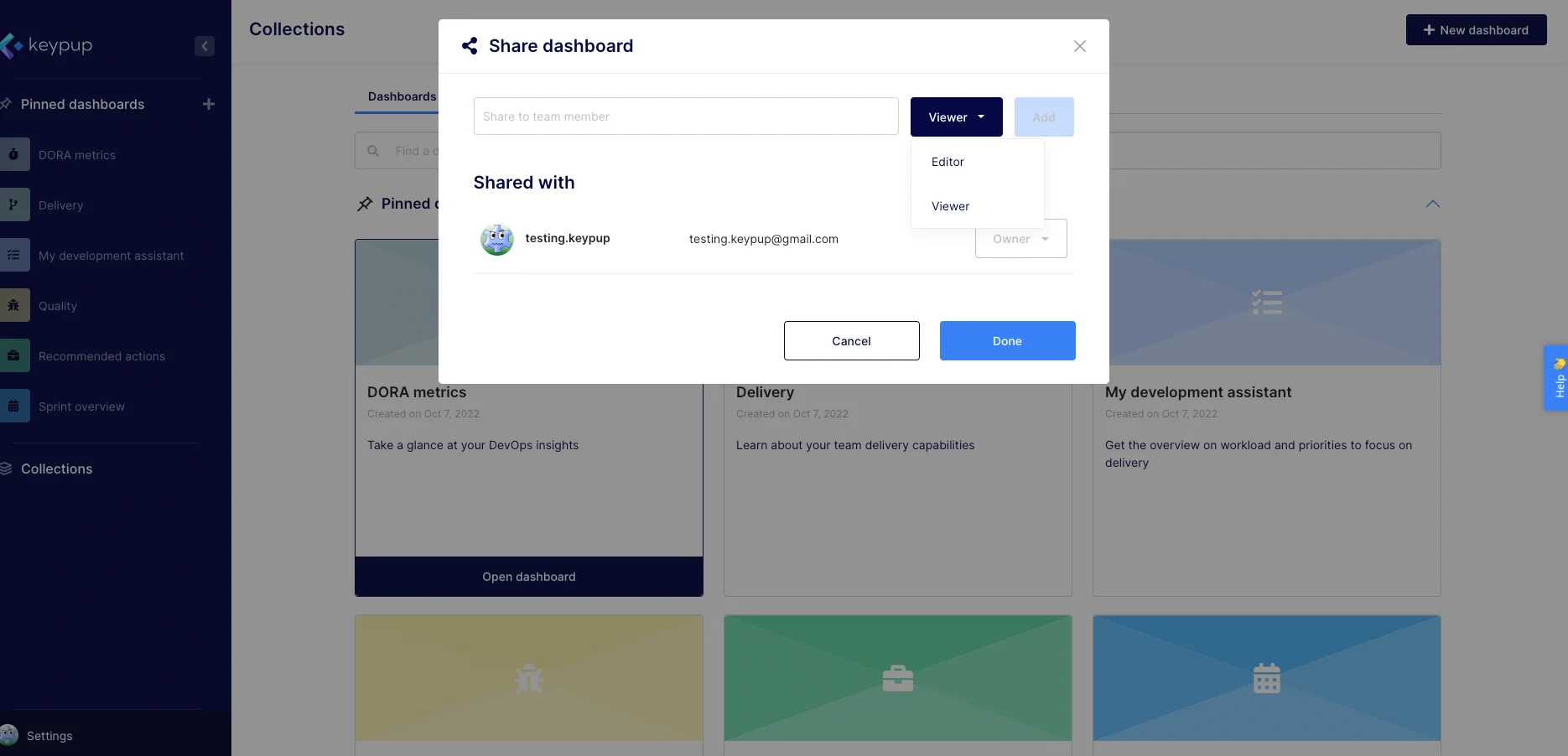
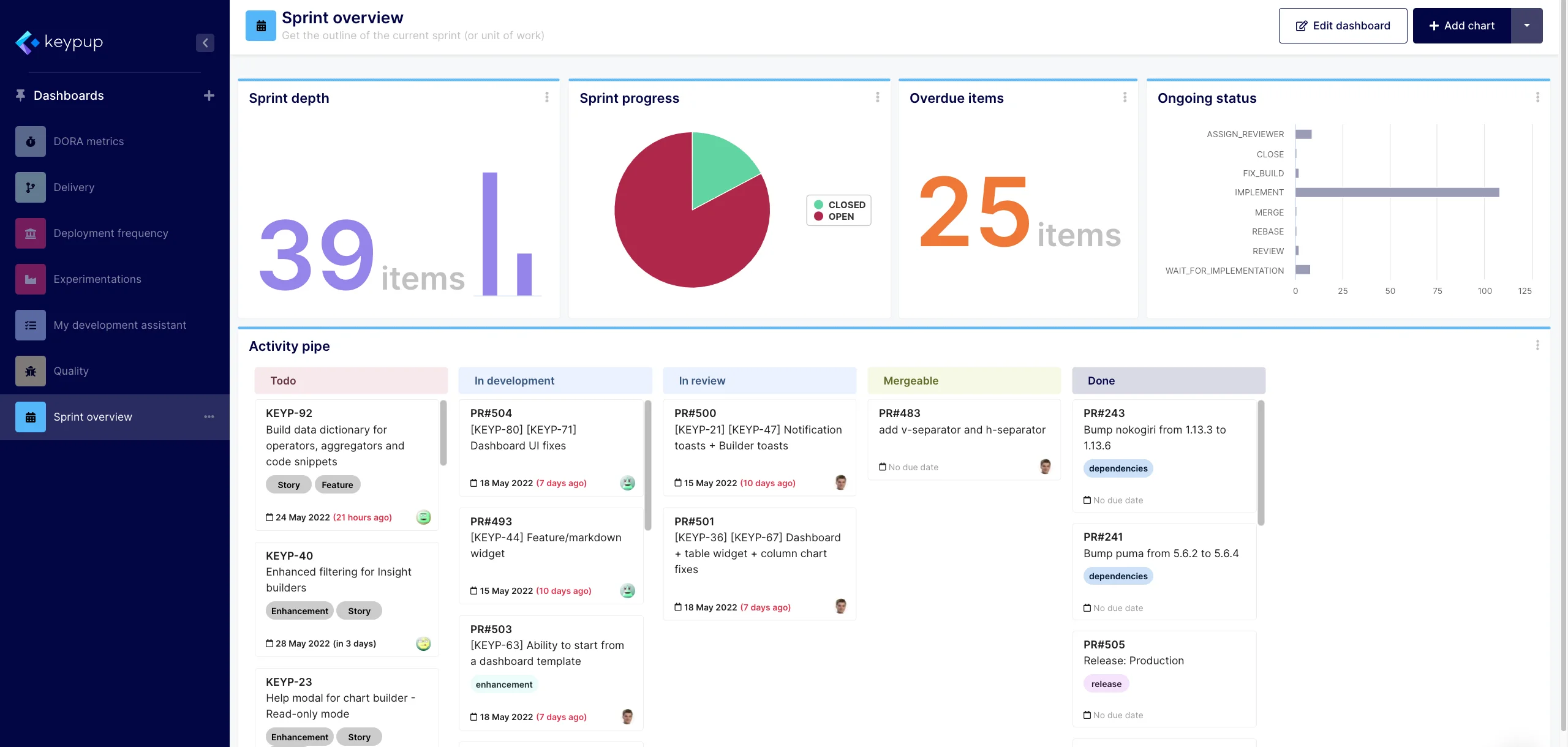
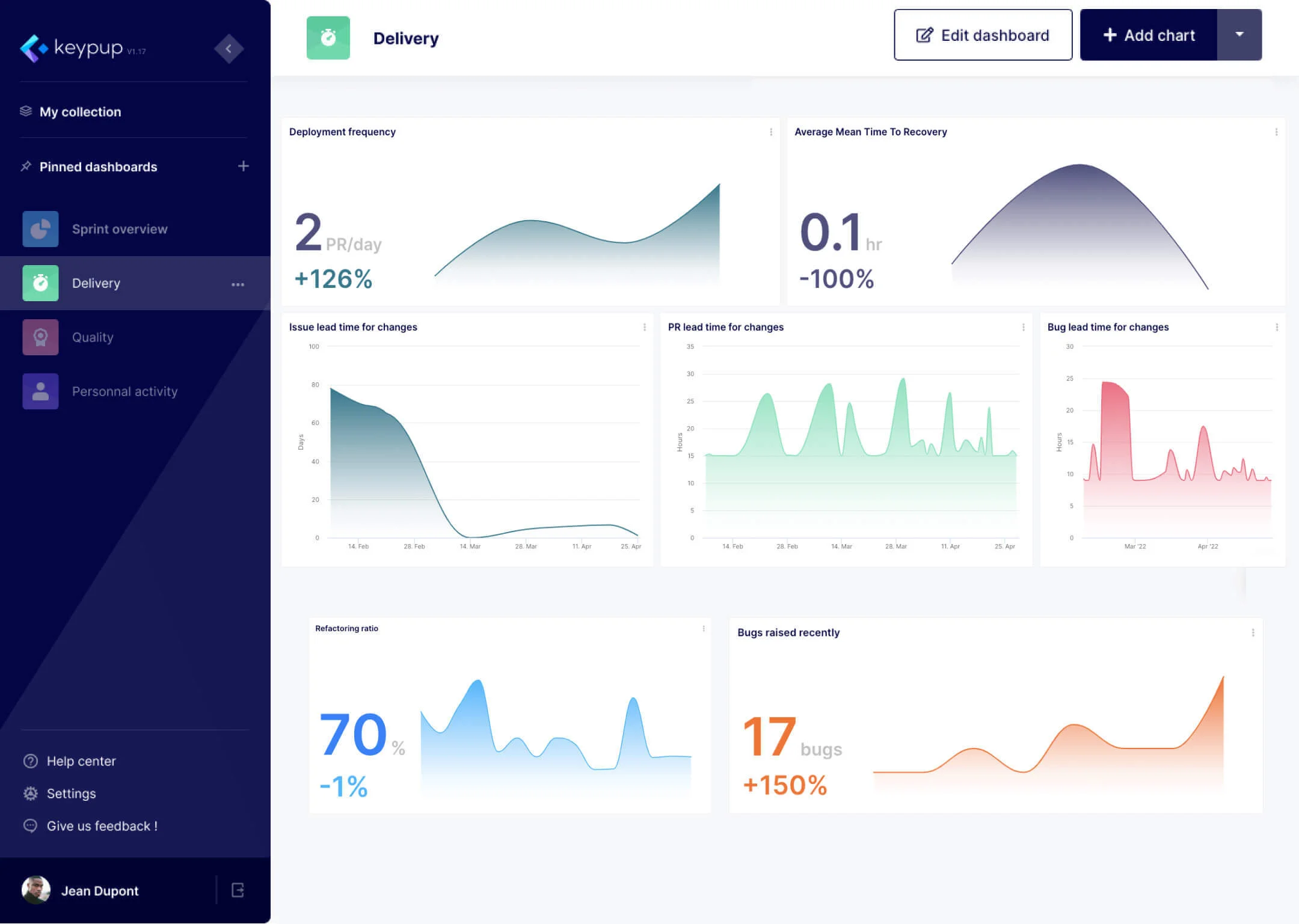
- Manage Dashboards: Create, rename, delete and pin dashboards, change their icon, share them, place insights on the grid and manage dashboard-wide filters.
- Manage Your Team: Update your team's settings, invite members, cancel invites, change roles and remove members, sign out sessions, and enable, disable or track projects.
- Look Up Your Setup: Search your dashboards, insights, projects, members and the rest of your team's setup, with the same visibility rules as the app. Ask "Which of my dashboards use the Commits dataset?" or "How many insights are on each of our dashboards?".
- Safe by Design: Actions that change data need the MCP server's
mcp:writepermission, the app's roles apply (editing a dashboard needs the editor role, managing members and projects needs the admin role), and every change is recorded in your team's audit trail.
Try asking your AI assistant "Build me a dashboard tracking pull request cycle time and review load for the backend team": it now ends with a working dashboard in your sidebar.
Check out the Using the MCP server documentation to connect your AI assistant.
New Formula Operators: The Insight Designer's Filters, Everywhere
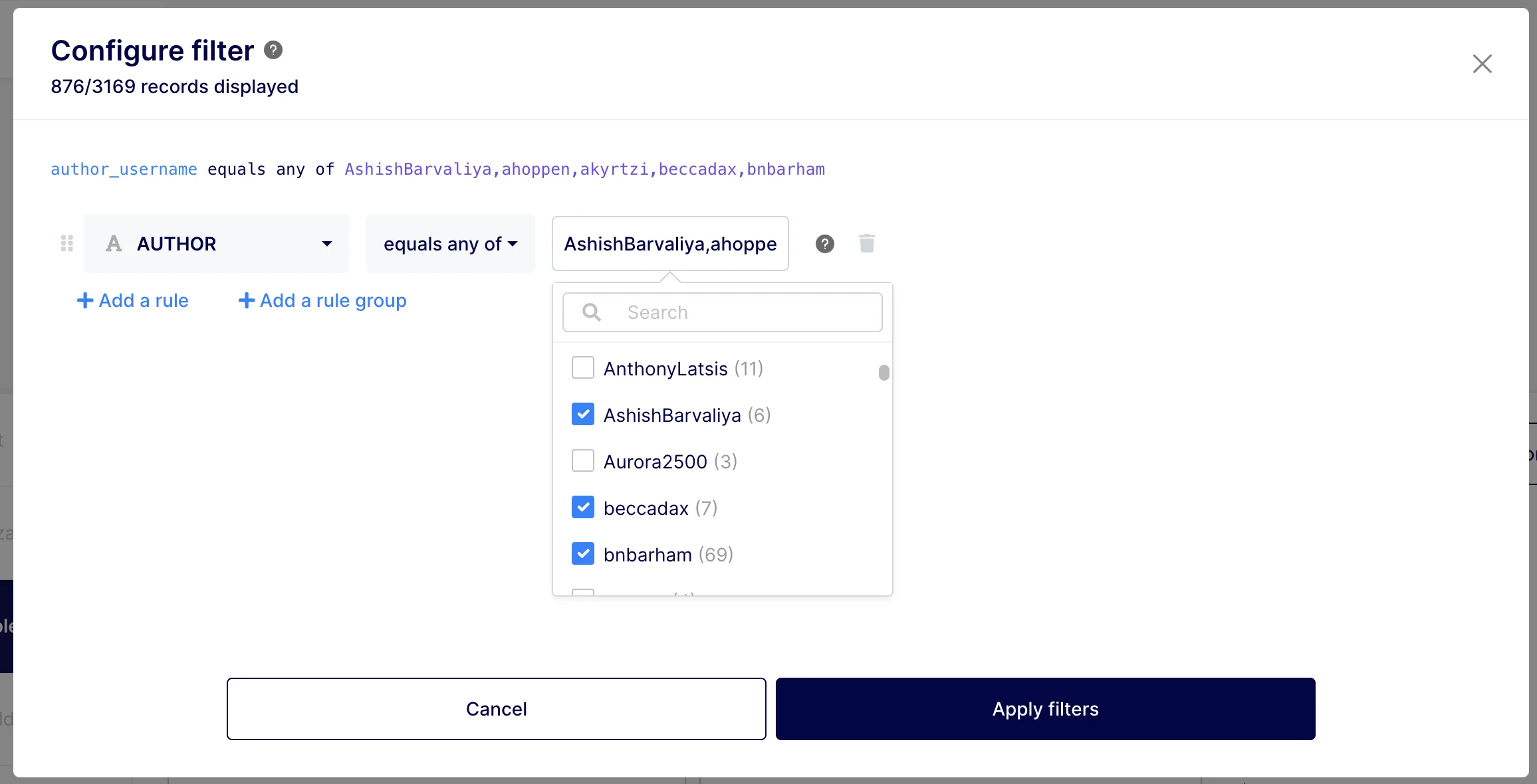
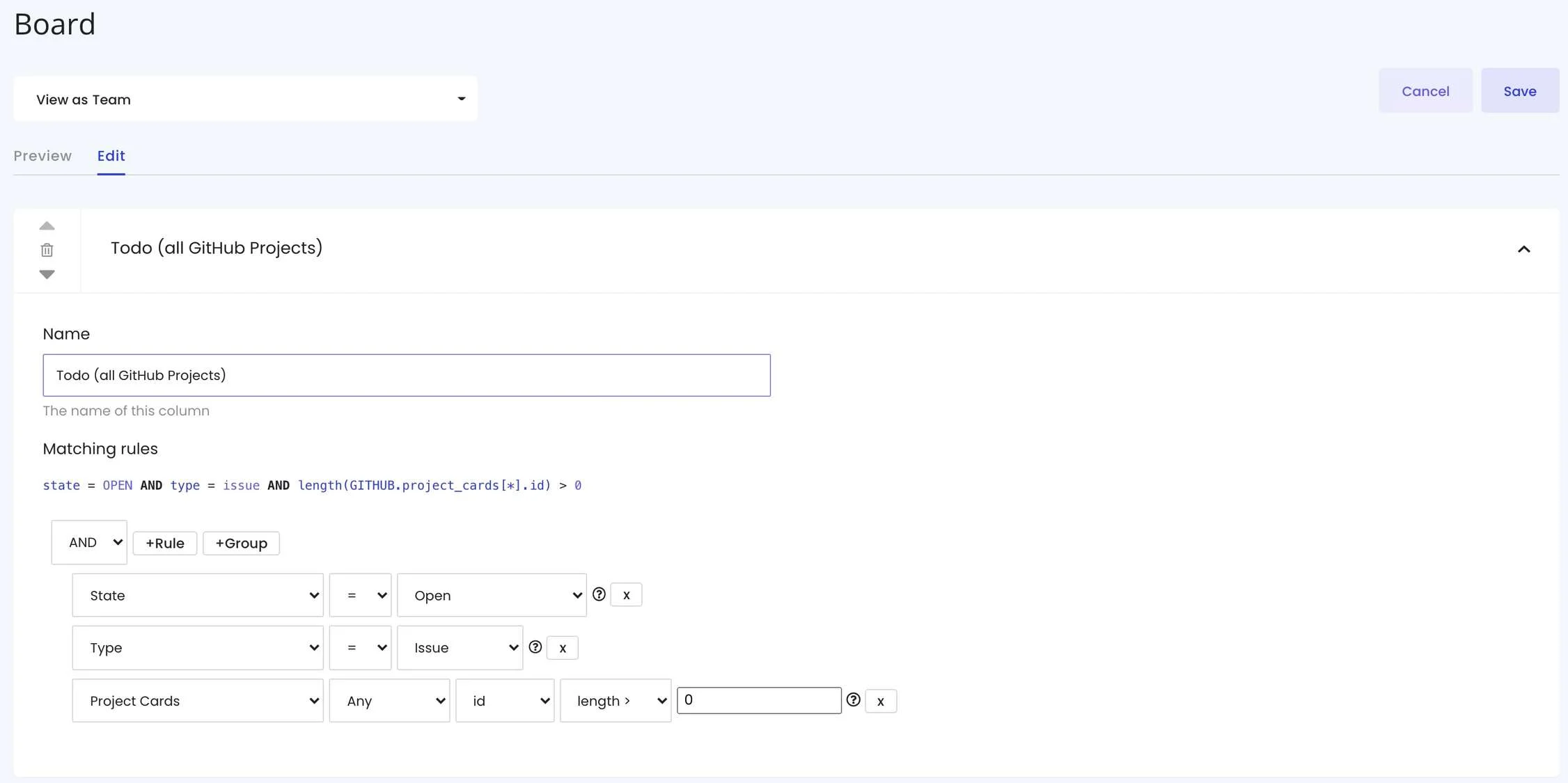
The insight designer offers powerful filters, such as "is me", "includes any of" or "in the last N weeks". Until now, they only existed in the app: API and MCP queries had to rebuild them from lower-level operators.
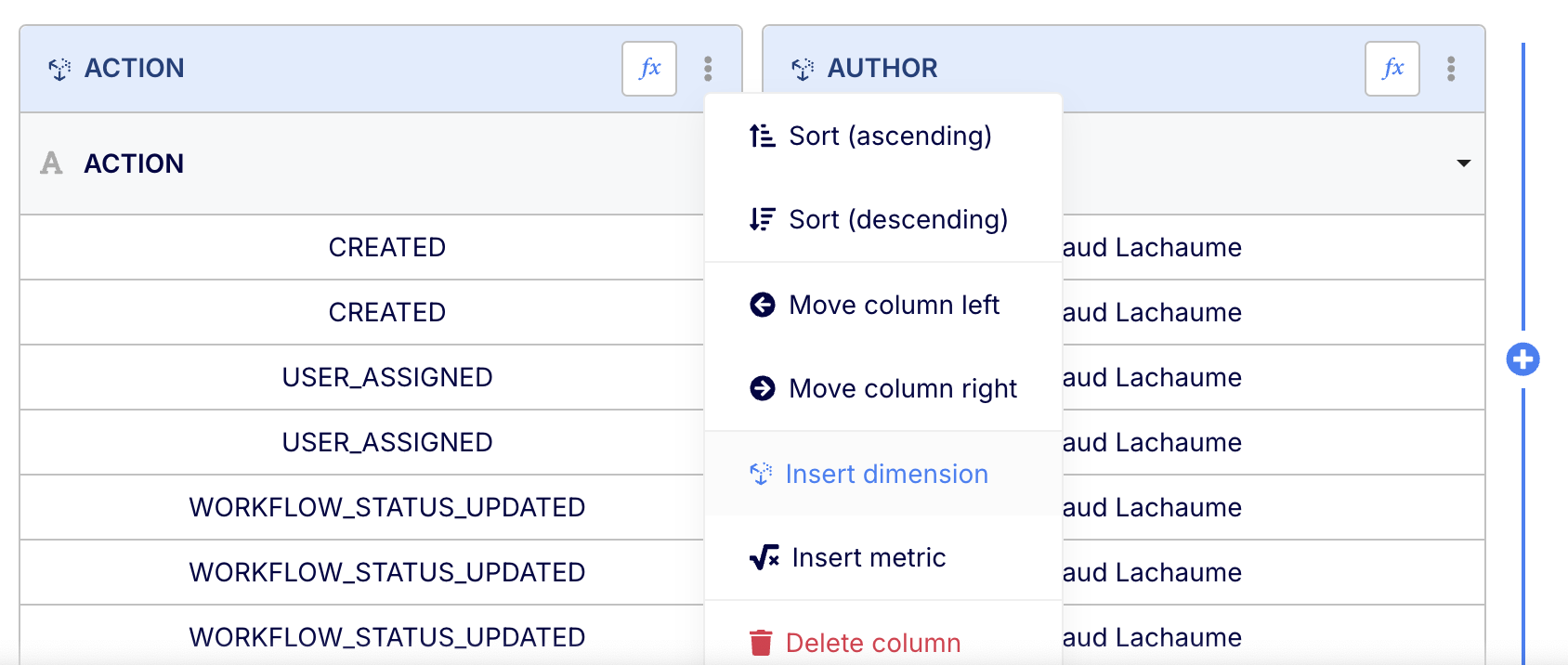
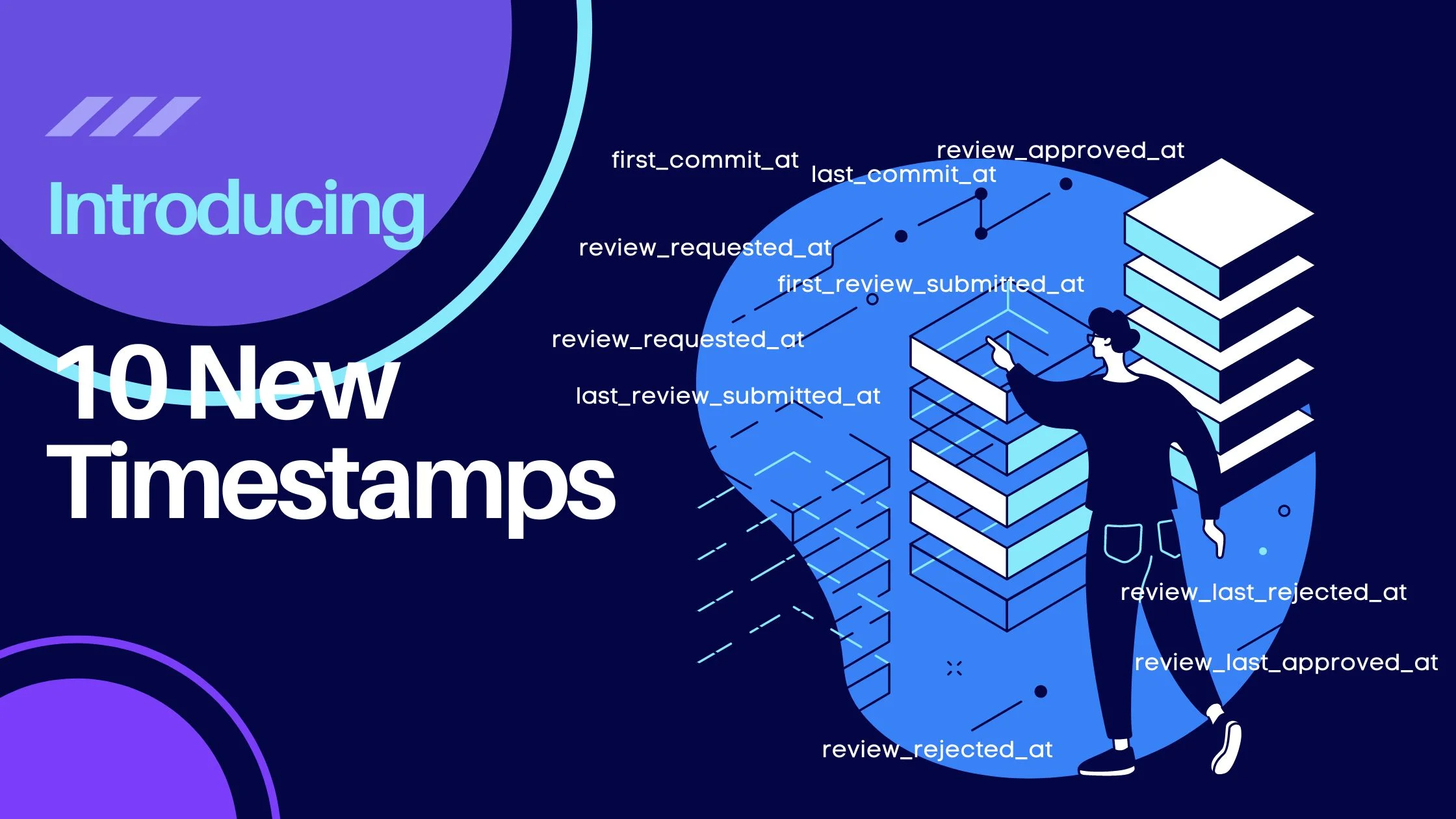
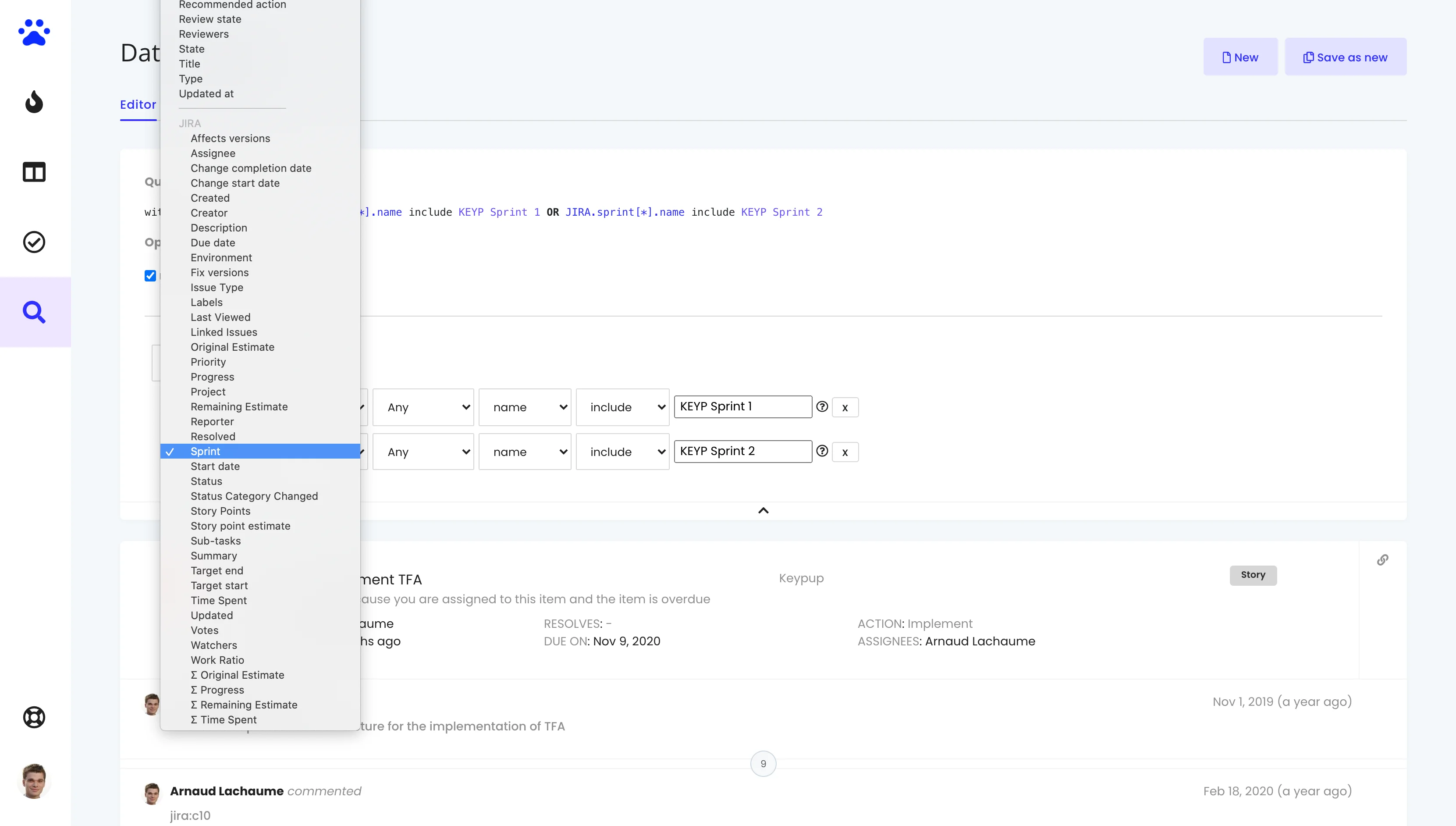
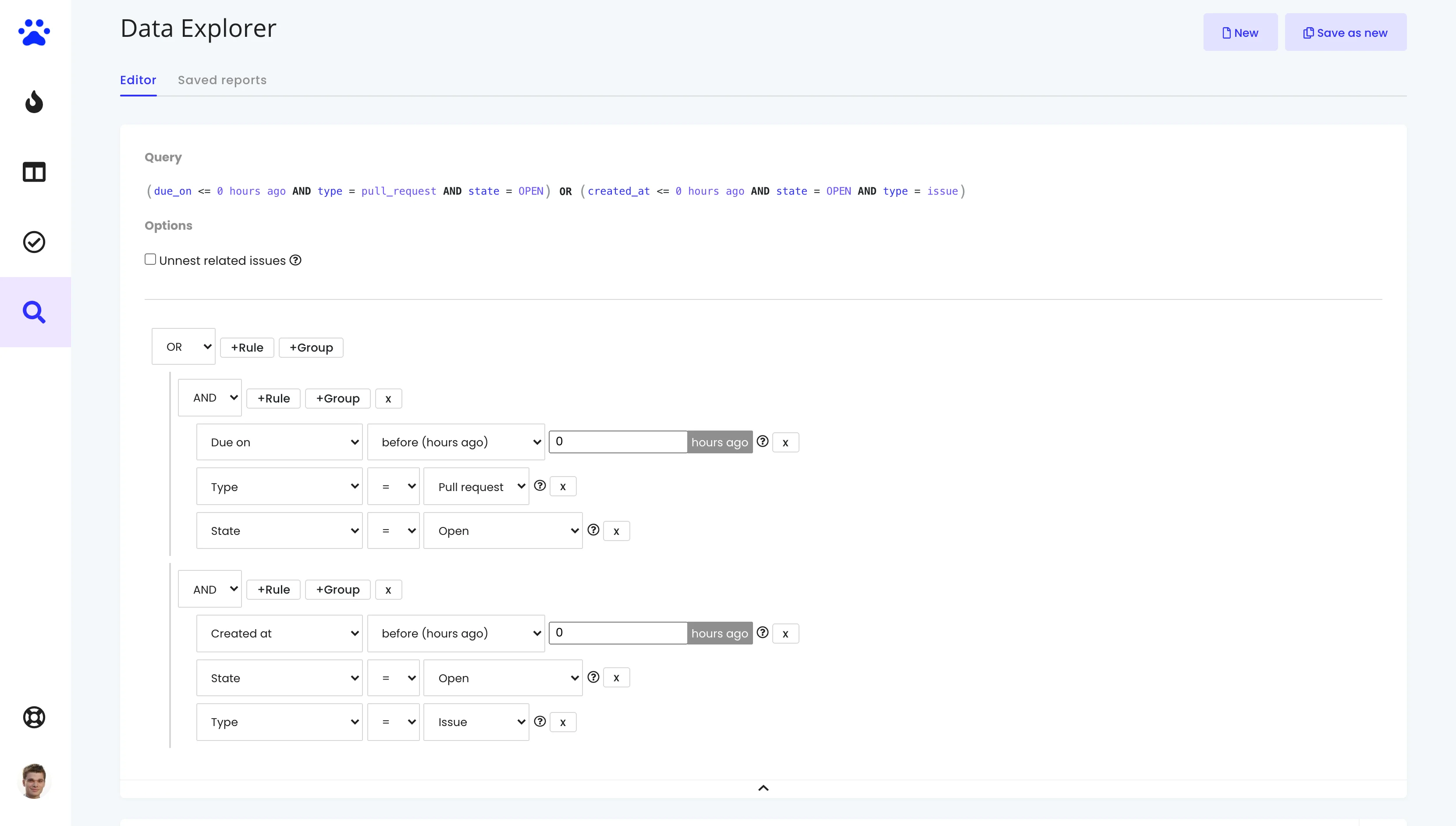
The 36 filter operators of the insight designer are now formula operators, usable anywhere in a query: in filters, metrics and dimensions, from the API, the MCP server and custom formulas.
- Filter Operators as Functions: IS_ME, INCLUDE_ANY_OF, INCLUDE_ONLY, LAST_N_TIMEPERIOD, HAS_ANY_VALUE and the rest each have their own article in the functions dictionary. The AI Agent and the MCP server know how to use them.
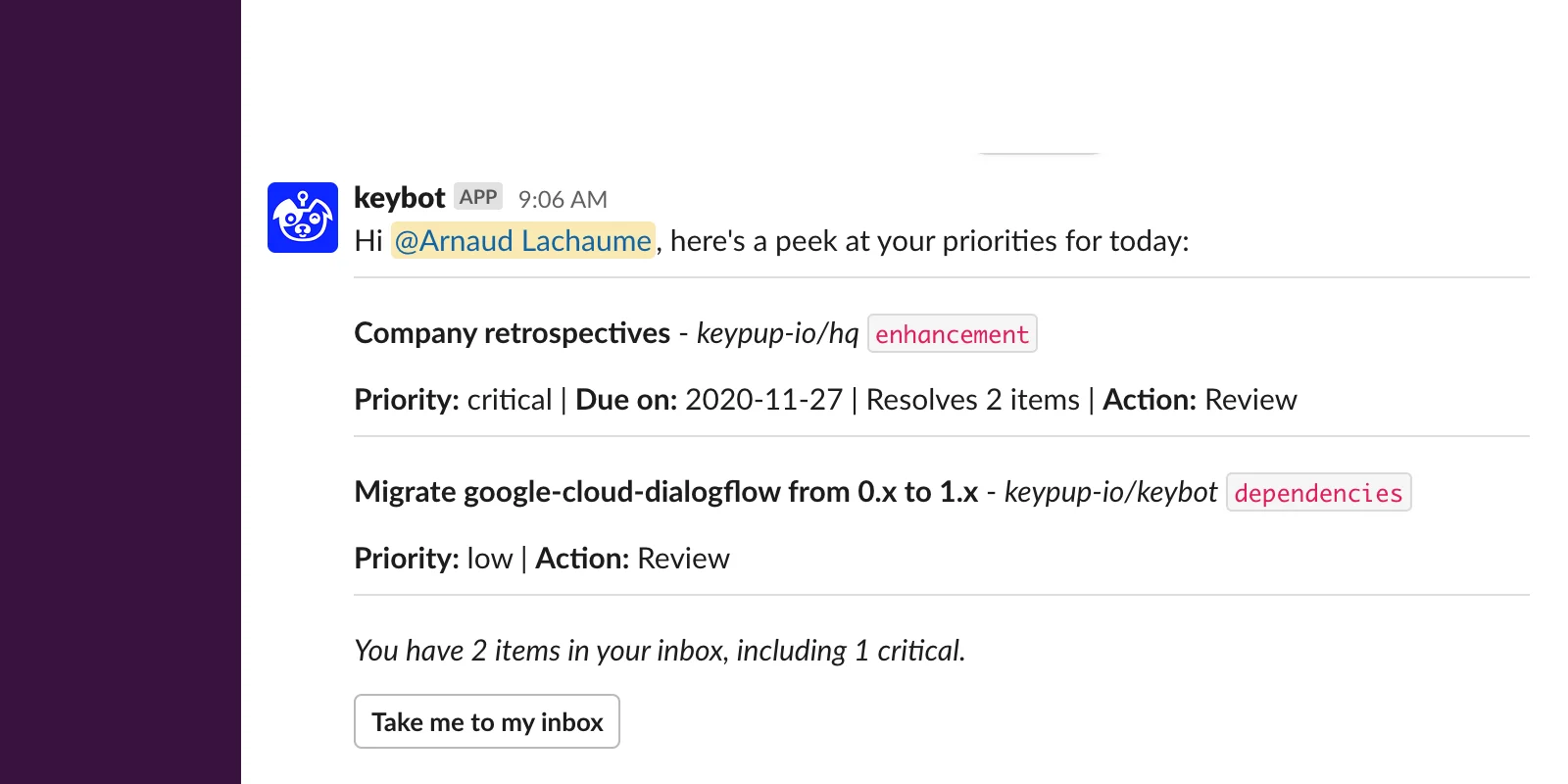
- "Me" on the MCP Server: Queries run through the MCP server now know who is asking, so your AI assistant can answer "What are my open pull requests?" or "Which issues are assigned to me?" directly.
- ME() and USERNAMES() Return Usernames: ME and USERNAMES now return usernames instead of user IDs, so they work in formulas such as
CONTAINS(assignee_usernames, ME()) ? "Mine" : "Other". If an API query compared them with user IDs, update it to compare with usernames. - DIMENSION(): The new DIMENSION operator reuses a dimension of the same query in another dimension, a metric or a filter, by its position or its label. No more repeating a long formula when one dimension builds on another. The AI Agent and the MCP server know how to use it.
Retrieve the Queries Behind Any Insight
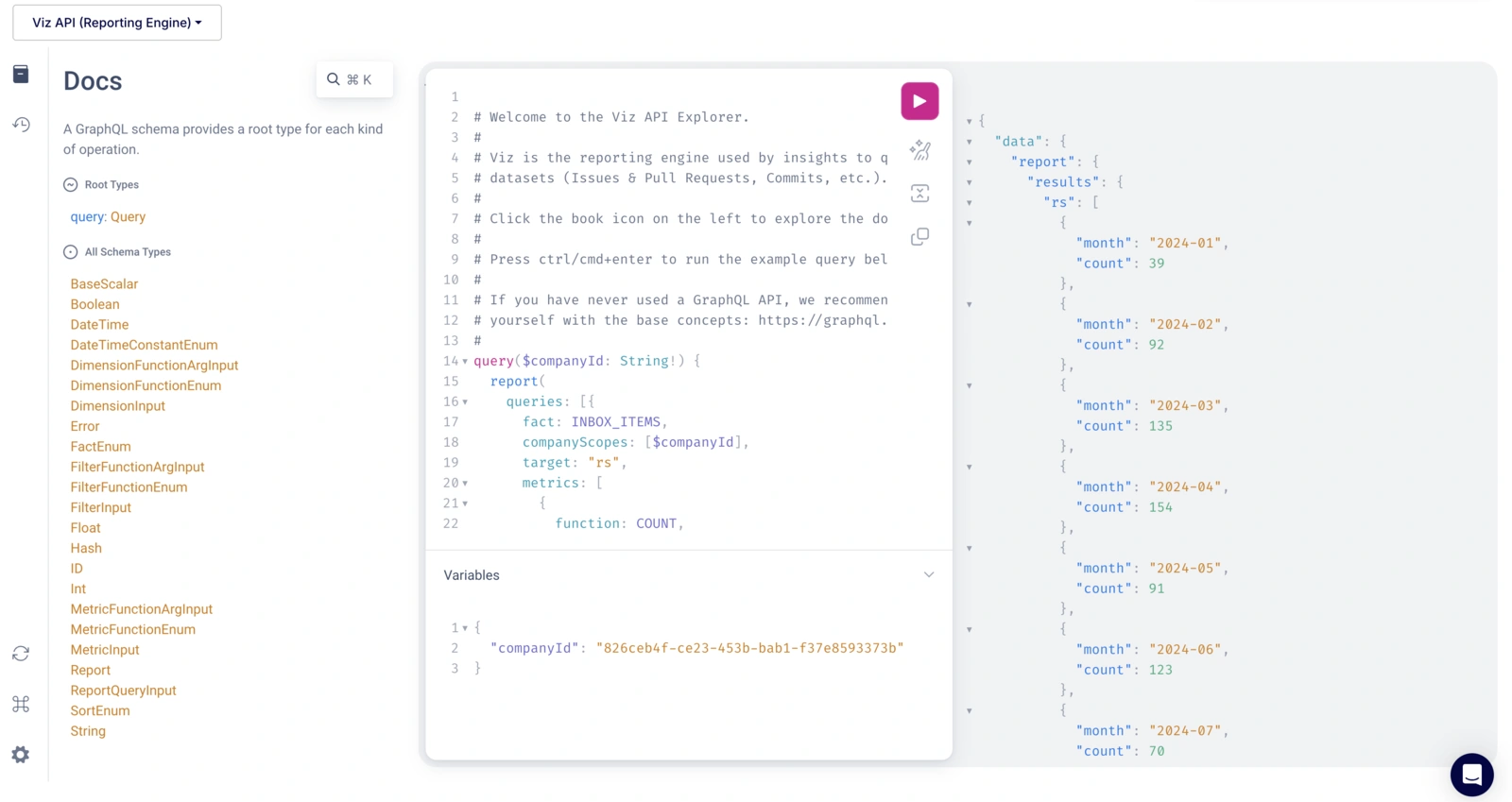
An insight is more than the formulas you see in the designer: dashboard-wide filters, "me" rules and formula dimensions all change the query it runs. You can now retrieve the exact queries behind an insight, ready to run, instead of rebuilding them by hand.
- Through the API: Insights now have a
queriesfield on the Keypup API. Pass adashboardIdto apply that dashboard's filters, andasFormulasto get the metrics, dimensions and filters written as formulas. - Through the MCP Server: Two new tools return the queries behind an insight or a whole dashboard, dashboard-wide filters included, and your AI assistant runs them as is. It can now explain what an insight shows, check its numbers, or break it down further: "Why did cycle time spike on my Delivery dashboard last week?".
Check out the Exporting insights as queries section of our API documentation to get started.
Other improvements and bug fixes
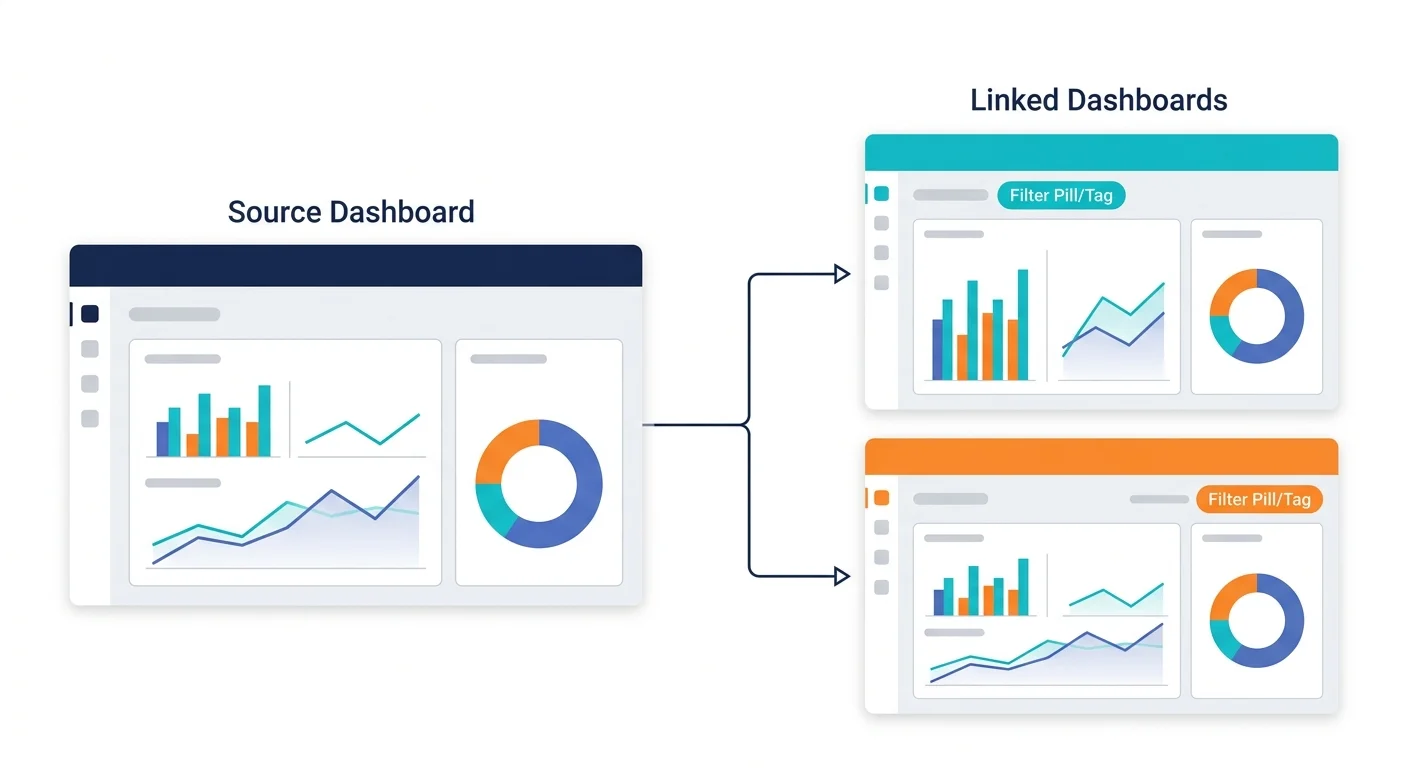
- Improvement: Dashboard-Wide Filters: Text and Text list filters can now be restricted to a list of allowed values. Viewers can only pick among those values, and picking nothing applies all of them, so the dashboard stays scoped to them. The Dashboard AI Agent knows about this setting.
- Improvement: Insights: A query error is now shown on charts, lists and KPIs, instead of an empty "no data" insight. The editor preview, the filter count, the CSV and JSON exports and the MCP server report it too.
- Improvement: Insights: Error messages now say what is wrong and where: a wrong argument type, a wrong number of arguments, an unknown function or an unknown field names the function, the argument and the types expected. Database errors that used to show as "Invalid query" are now explained in plain words.
- Improvement: MCP Server: Your AI assistant now builds reporting queries itself, which is faster and more reliable. The
generate_dataset_querytool is deprecated. - Bugfix: AI Agent: Fixed an issue where dashboard-wide filters taking no value (such as "is me" or "is empty"), and filters restricted to allowed values with none picked, were ignored in the AI Agent's dashboard summary and in the insight queries export. The AI Agent now sees the same numbers as the dashboard.
- Bugfix: Drilldowns: Fixed an issue where clicking a heatmap cell on a number or yes/no dimension opened the drilldown of the wrong record.